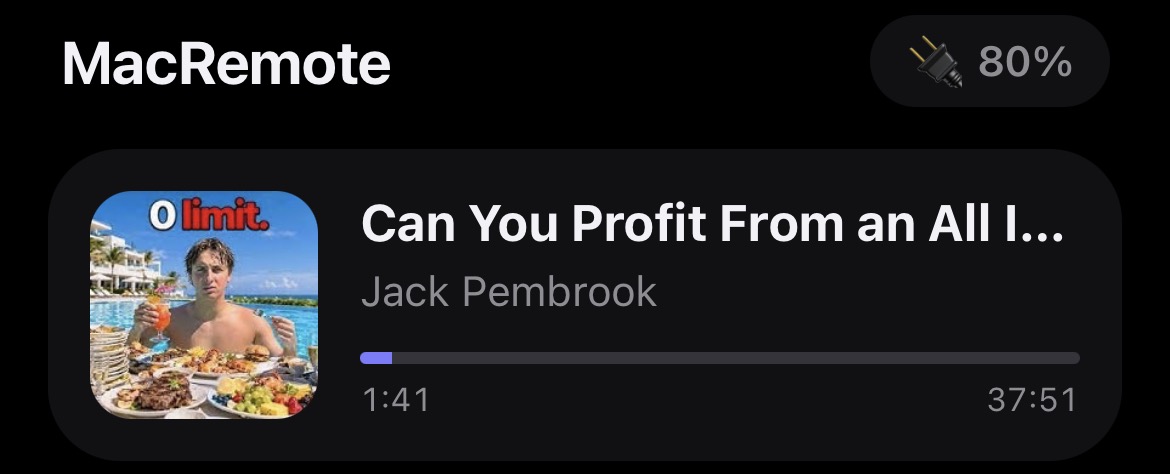
Now playing
See what is playing on the Mac, from YouTube to Music, with cover art and progress.
Control volume, media, brightness and more from your iPhone. Nothing to install on the phone.
See what is playing on the Mac, from YouTube to Music, with cover art and progress.
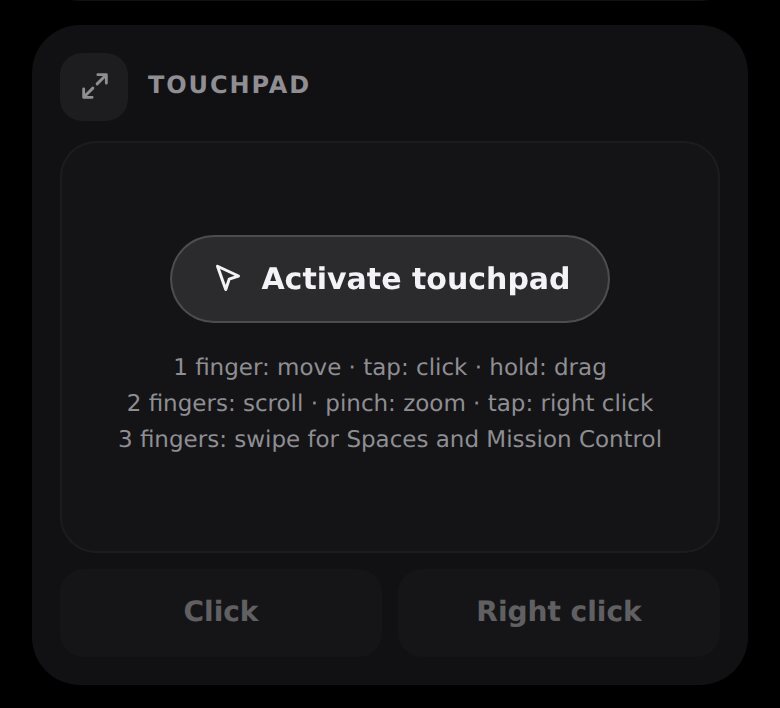
Move the pointer, click, drag, scroll and zoom, right from the phone. It stays locked until you switch it on.
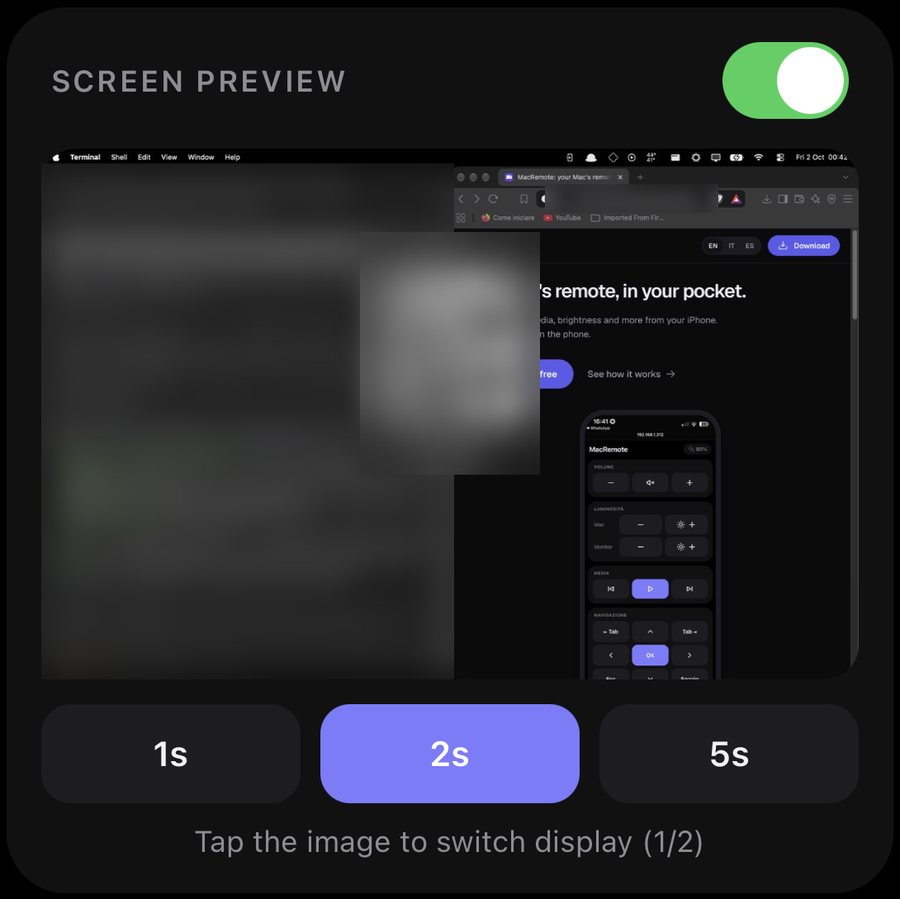
A glimpse of the screen when you need it. Off by default, one switch to turn it on.
Volume, mute, play, pause, next and previous.
The Mac screen and the external monitor, separately.
Arrows, Return, Tab, and type into any field on the Mac.
Get the zip and double-click it. Move MacRemote to Applications.
Right-click the app, choose Open, then confirm. macOS asks once because the app is not from the App Store.
On macOS 15 or later: System Settings, Privacy and Security, Open Anyway.
Point your iPhone camera at the code that appears. Use the same Wi-Fi as your Mac.
Needs macOS 14 or later on a Mac with Apple silicon. Works on your home Wi-Fi only; nothing goes through the internet.
Every line of MacRemote is public on GitHub. Read it, fork it, or leave a star if you like it.
If MacRemote saved you a walk to the desk, you can buy me a coffee. Any amount helps.